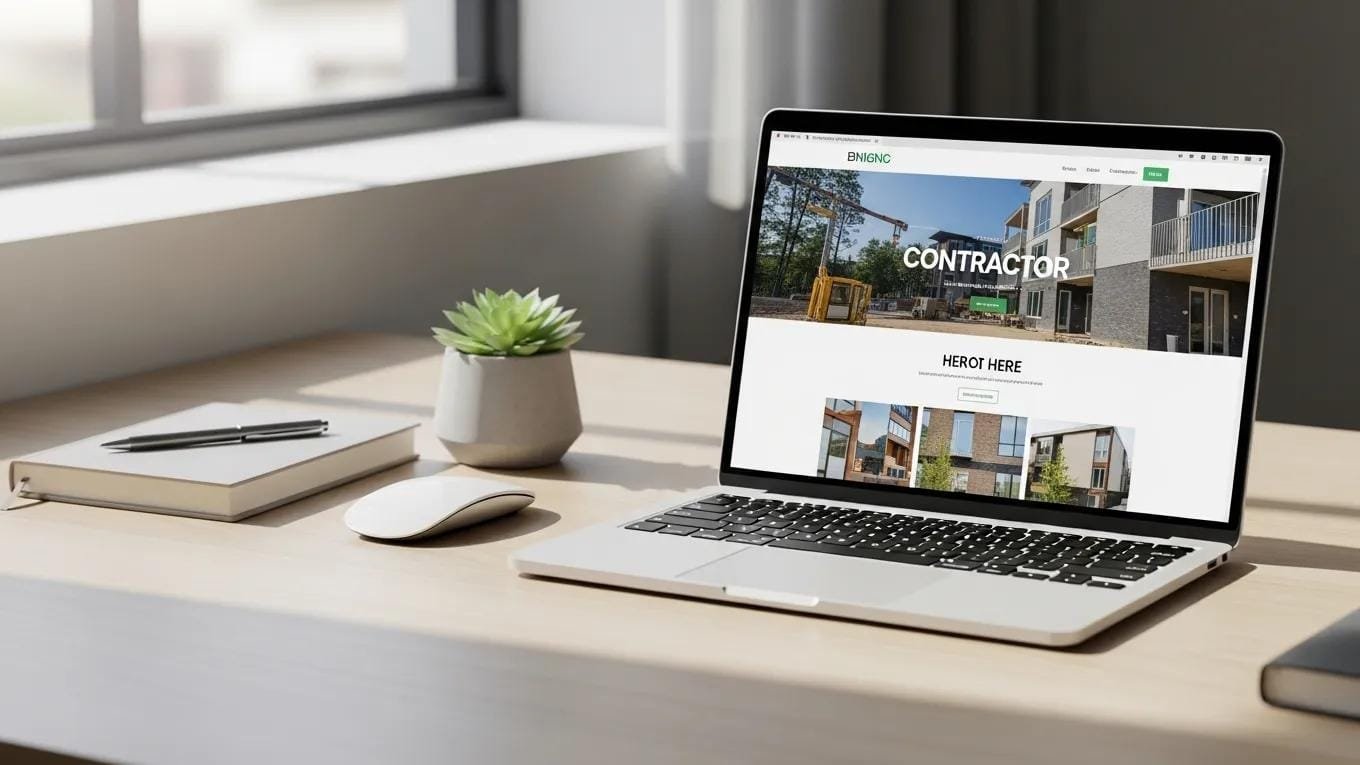
For local contractors — plumbers, electricians, roofers, and solar installers — a well-crafted website is the front door to homeowners and the gateway to higher‑value jobs. This guide lays out the essential design elements that help contractors stand out online, earn homeowners’ trust, and turn visitors into paying clients. Focused, actionable content and a user‑friendly site structure let contractors maximize visibility and revenue. We cover how design affects income, the core design pieces contractors need, content and lead‑generation tactics, SEO must‑haves, and visual tips that reinforce trust.
Why Your Website Design Directly Affects Revenue as a Local Contractor
Your website is often the first interaction a homeowner has with your business. A clean, easy‑to‑use site keeps visitors on the page, builds credibility, and increases the chance they’ll request a quote. Poorly designed sites push potential customers to competitors. Research shows people form impressions of a website in about 50 milliseconds, so first impressions matter—especially in competitive local markets.
What Homeowners Decide in the First 3 Seconds
In mere seconds, homeowners judge whether your site looks legitimate and relevant. Studies show about 94% of initial impressions are tied to perceived design quality. If your site looks dated or cluttered, most visitors will leave and look for a contractor with a more professional online presence.
How Bad Design Drives Visitors Away — and Toward Competitors
Confusing menus, slow pages, and missing trust signals frustrate visitors and cut into inquiries. Contractors with weak site design lose leads to competitors who offer a smoother, clearer experience. Strong contractor websites convert better because they make it simple to find services, read reviews, and contact the business.
The Core Website Design Elements Every Contractor Needs

Focus on the design elements that make your site easy to use and build homeowner confidence — the result is more booked jobs and higher revenue.
Clean, Professional Homepage Layout
Your homepage should say who you are, what you do, and why homeowners should pick you — immediately. Use a clear value statement, strong photos of your work, and a logical flow that guides visitors to request a quote or call. A tidy homepage builds confidence and encourages people to explore deeper.
Intuitive Navigation Menu
Make it effortless for homeowners to find service pages, pricing, and contact info. Keep menu items focused and labeled plainly — for example “Plumbing Services,” “Electrical Repair,” or “Request a Quote.” Clear navigation lowers bounce rates and keeps visitors engaged.
Mobile‑Responsive Design
Many homeowners search on their phones. A responsive site that looks and works great on every device improves the user experience and raises the chance visitors will contact you directly from mobile.
Fast Page Load Speed
People expect information quickly. Fast pages prevent frustration and abandonment — even a one‑second delay can cut conversions by roughly 7%. Optimize images, enable browser caching, and reduce server response times so your site stays fast.
Research consistently links average page load time to important metrics like conversion rate and customer satisfaction.
Page Load Time’s Impact on E-commerce Conversion & Satisfaction
Research found that average page loading times have a direct effect on e‑commerce conversion rates and customer satisfaction.
The impact of web pages’ load time on the conversion rate of an e-commerce platform, 2017
Trust Signals — Reviews, Certifications, Logos
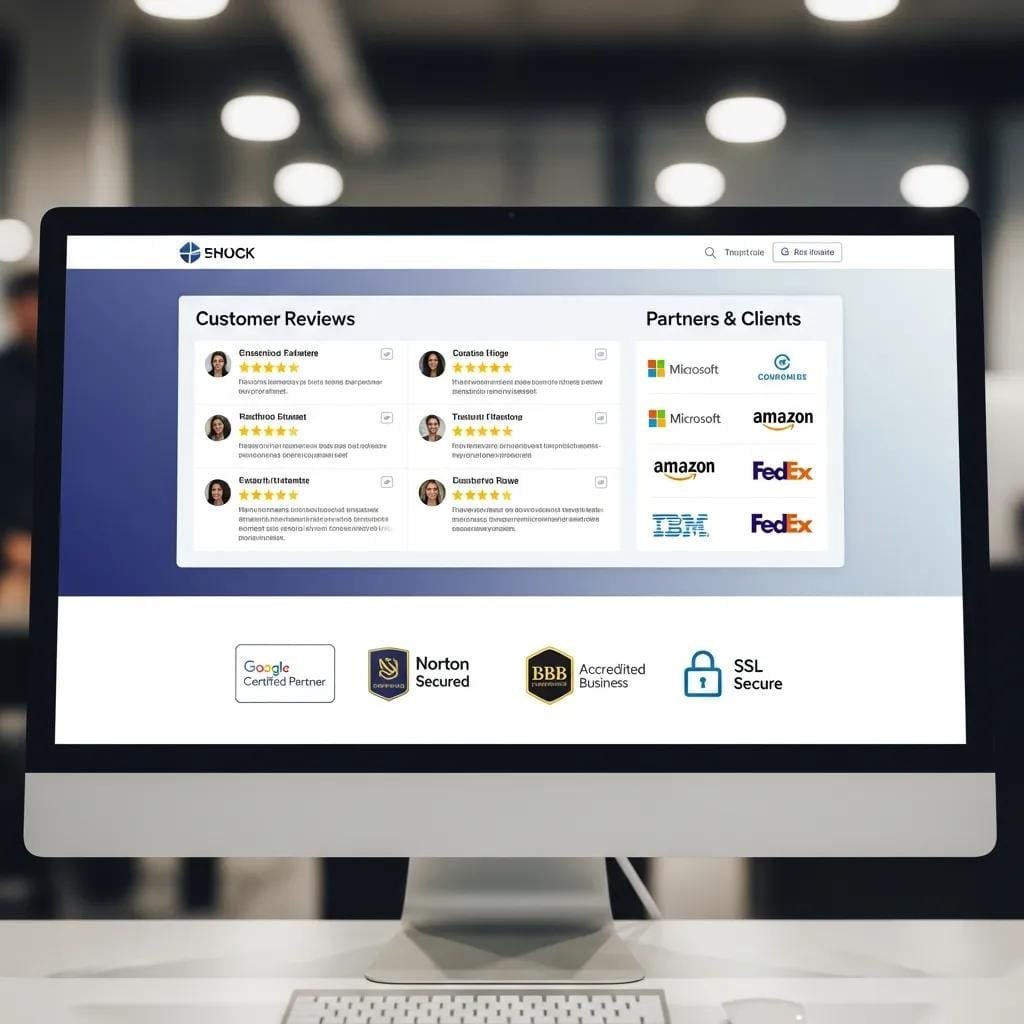
Homeowners want to hire contractors they can trust. Prominently display customer reviews, industry certifications, and association logos. These trust signals reassure visitors and can boost conversion rates by as much as 20%.
Further studies show that targeted design cues can meaningfully increase initial consumer trust in unfamiliar online sellers.
Enhancing Consumer Trust Through Effective Web Design Cues
The literature provides solid empirical support for the idea that web design cues enhance consumers’ initial trust toward unfamiliar online vendors. E‑tailers should consider adding human cues (for example, facial photos or video) and assistive features (like avatars or recommendation tools) into their interfaces.
The effect of website design dimensions on initial trust: a synthesis of the empirical literature, M Brengman, 2011
Content and Conversion Elements That Turn Homeowners Into Leads
Contractors need content that answers homeowners’ questions fast and directs them toward booking a service. Clear, benefit‑focused copy and obvious calls to action are essential to convert visitors into customers.
Compelling Headlines and Body Copy
Use headlines that address homeowner pain points—examples: “Fast, Reliable Plumbing Repairs” or “Licensed Electricians in Your Neighborhood.” Keep body text concise and focused on benefits. Strong headlines can lift click‑through rates significantly, making them essential for engagement.
Clear Calls to Action on Every Page
Every page should include a clear CTA like “Request a Free Estimate” or “Schedule Service Today.” Use action language and make CTAs visually distinct. Well‑placed CTAs can increase conversions substantially.
Contact Page and Visible Contact Information
Make it simple for homeowners to reach you: a dedicated contact page with phone numbers, email, and a contact form builds trust and drives inquiries. Businesses that make contact details easy to find see higher engagement.
An About Page That Builds Human Connection
Tell your story, share your values, and show the team on your About page. Highlight experience, local ties, and quality standards to build rapport and set your business apart.
SEO and Technical Elements You Can’t Afford to Skip
To reach more local homeowners, your site must rank in search engines. These technical SEO basics make your site discoverable and easier for both users and search bots to navigate.
Optimized Page Titles and Meta Descriptions
Include local keywords like “licensed plumber in [city]” or “roofing contractor near me” in page titles and meta descriptions. These elements improve visibility and help drive clicks by summarizing your services clearly.
SSL Certificate and Site Security
Secure your site with SSL to protect homeowner data and boost credibility. Browsers mark SSL sites as secure, which increases user confidence and can improve conversion rates.
Internal Linking Structure
Link related pages — service pages, blog posts, and contact pages — to improve navigation and SEO. Good internal linking helps visitors find relevant content and stay on your site longer.
XML Sitemap and Robot.txt
Provide an XML sitemap and a correctly configured robots.txt file so search engines can crawl and index your site efficiently. Proper setup improves discoverability and organic traffic.
Visual Design Elements That Reinforce Brand Trust
Consistent, authentic visuals strengthen your brand and give homeowners confidence in your work.
Consistent Brand Colors and Typography
Apply your brand’s colors and fonts consistently across the site to create a professional, unified look. Consistent branding improves recognition and can increase revenue by up to 23%.
High‑Quality Images — Not Stock Photo Clichés
Use real photos of your crew, completed projects, and equipment rather than generic stock images. Authentic visuals keep visitors engaged and reduce bounce rates.
White Space and Visual Breathing Room
Use white space to improve readability and guide attention to key messages. Clean layouts help homeowners absorb information without feeling overwhelmed.
When to Handle Website Design Yourself vs. Hire a Professional
Choosing DIY versus a professional designer affects how well your site performs. DIY saves money but risks a less polished, lower‑converting site. Professionals bring expertise that can generate more leads and higher revenue.
Pros and Cons of DIY Design
DIY gives you control and keeps costs down but can result in a website that underperforms if you lack time or design experience. Consider your skills and schedule before committing to a DIY approach.
When to Hire a Professional
Hire a professional when you need a high‑quality, conversion‑focused website that represents your brand and attracts high‑value jobs. Pros know best practices and can tailor the site to local homeowner expectations.
Frequently Asked Questions
What is the most important element of a contractor’s website?
The most important element is clear communication of your services and value proposition, paired with a smooth user experience that leads homeowners to take action—requesting a quote or booking a service.
How many pages does a small contractor website need?
A small contractor site typically needs at least five pages: a homepage, About page, Services page, Contact page, and a Blog or Resources page. This structure gives homeowners the information they need and helps with SEO.
Does website design affect SEO rankings?
Yes. Design factors like page speed, mobile responsiveness, and overall user experience influence search rankings. A well‑designed site improves visibility and brings more local organic traffic.
How do I know if my website design is hurting my contracting business?
Watch for high bounce rates, low conversion rates, and negative visitor feedback. Use analytics to track user behavior and identify design issues you can fix to attract and convert more homeowners.
Subject Matter Context
Core Pillar Connection: This technical guide is part of our High Performance Contractor Web Architecture series. For comprehensive execution and guaranteed results in your local area, review our official protocol: High-Performance Mobile-dominant Contractor Conversion Engines .

 Are You Building for AI? Why Entity Signals Just Killed the Backlink