
Social media scheduling tools have become essential for businesses aiming to streamline their online presence. These tools allow users to plan, publish, and analyze their social media content efficiently, saving time and enhancing engagement. This article provides a comprehensive comparison of the 19 best social media scheduling tools available in 2026, focusing on their features, pricing, and suitability for different business needs. As companies increasingly rely on social media for lead generation and brand awareness, selecting the right scheduling tool can significantly impact their marketing success. We will explore evaluation criteria, a quick comparison of tools, and recommendations for solopreneurs, small businesses, growing teams, and agencies.
How We Evaluated These 19 Social Media Scheduling Tools
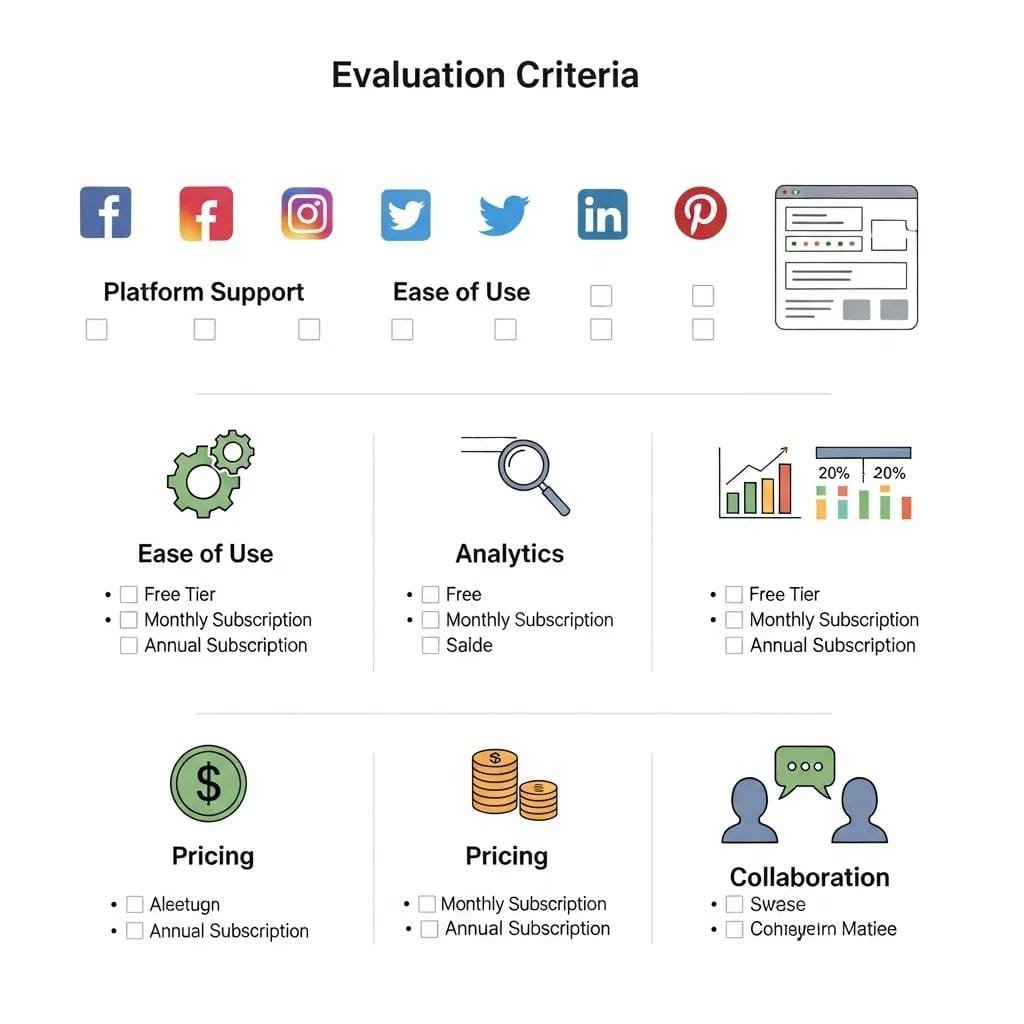
To ensure a thorough comparison, we evaluated these tools based on several key criteria that reflect their effectiveness and usability for various business sizes.
Platform and Channel Support
The first criterion is the range of platforms and channels supported by each tool. A robust social media scheduling tool should integrate with major platforms like Facebook, Twitter, Instagram, LinkedIn, and Pinterest. This multi-channel support is crucial for businesses that aim to maintain a consistent presence across different social media networks.
Ease of Use for Small Teams
User-friendliness is another critical factor, especially for small teams that may not have extensive technical expertise. Tools that offer intuitive interfaces and straightforward navigation can significantly reduce the learning curve, allowing teams to focus on content creation rather than technical hurdles.
Analytics and Reporting Depth
Effective analytics and reporting features are essential for measuring the success of social media campaigns. Tools that provide in-depth insights into engagement metrics, audience demographics, and content performance enable businesses to refine their strategies and improve ROI.
Pricing and Value for SMBs
Pricing models vary widely among social media scheduling tools, making it essential to assess the value offered at different price points. Tools that provide tiered pricing options can cater to small and medium-sized businesses (SMBs) with varying budgets while still delivering essential features.
Collaboration and Approval Features
For teams working collaboratively, features that facilitate content approval and team collaboration are vital. Tools that allow for easy sharing, commenting, and approval workflows can enhance productivity and ensure that content aligns with brand guidelines.
Quick Comparison: 19 Best Social Media Scheduling Tools
Here’s a quick overview of the 19 best social media scheduling tools for 2023, highlighting their key features and pricing.
Best Social Media Scheduling Tools for Solopreneurs and Small Businesses

For solopreneurs and small businesses, selecting a cost-effective and user-friendly social media scheduling tool is crucial. Here are the top recommendations:
1. Buffer — Best Free Option for Getting Started
Buffer is an excellent choice for those new to social media scheduling. It offers a free plan that allows users to manage multiple accounts and schedule posts easily.
Key Features
Buffer provides a simple interface for scheduling posts across various platforms, along with basic analytics to track performance.
Pricing
The free plan is available, with paid options starting at $15/month for additional features.
Best For
Ideal for individuals and small teams looking to establish a social media presence without upfront costs.
Pros and Cons
Pros: User-friendly, free plan available, basic analytics.Cons: Limited features in the free version.
2. Later — Best for Visual Content Planning
Later is particularly suited for businesses that rely heavily on visual content, such as Instagram and Pinterest.
Key Features
It offers a visual content calendar that allows users to drag and drop images for scheduling, making it easy to plan visually appealing posts.
Pricing
Later has a free plan, with paid plans starting at $12.50/month.
Best For
Perfect for brands focused on visual storytelling and planning.
Pros and Cons
Pros: Visual scheduling, Instagram-focused features.Cons: Limited functionality on the free plan.
3. Publer — Best Budget Tool for Growing Teams
Publer is a budget-friendly option that provides a comprehensive set of features for growing teams.
Key Features
It supports multiple platforms and offers features like post recycling and analytics.
Pricing
Plans start at $12/month, making it accessible for small businesses.
Best For
Great for teams looking for an affordable yet feature-rich scheduling tool.
Pros and Cons
Pros: Affordable, multi-platform support.Cons: Some advanced features may be lacking.
4. Metricool — Best All-in-One for Small Marketing Teams
Metricool combines social media scheduling with analytics and website tracking.
Key Features
It provides a unified dashboard for managing social media and analyzing performance metrics.
Pricing
Free and paid plans are available, with paid options starting at $12/month.
Best For
Ideal for small marketing teams that need an all-in-one solution.
Pros and Cons
Pros: Comprehensive features, user-friendly interface.Cons: Some features may require a learning curve.
5. Tailwind — Best for Pinterest and Instagram-First Brands
Tailwind is designed specifically for visual platforms, making it a top choice for brands focused on Instagram and Pinterest.
Key Features
It offers unique features like SmartSchedule, which optimizes posting times based on audience engagement.
Pricing
Starting at $12.50/month, it provides excellent value for visual content creators.
Best For
Best for brands that prioritize visual content and engagement.
Pros and Cons
Pros: Tailored for visual platforms, SmartSchedule feature.Cons: Limited to specific platforms.
Best Social Media Scheduling Tools for Growing Teams
As teams expand, the need for more robust scheduling tools becomes apparent. Here are the best options for growing teams:
6. Hootsuite — Best for Managing Multiple Platforms in One Place
Hootsuite is a comprehensive tool that allows users to manage multiple social media accounts from a single dashboard.
Key Features
It offers extensive analytics, team collaboration features, and the ability to schedule posts across various platforms.
Pricing
Plans start at $19/month, making it suitable for growing teams.
Best For
Ideal for teams that need to manage multiple accounts efficiently.
Pros and Cons
Pros: Comprehensive features, strong analytics.Cons: Can be overwhelming for new users.
7. SocialBee — Best for Content Recycling and Category Scheduling
SocialBee excels in content recycling, allowing users to categorize posts for efficient scheduling.
Key Features
It offers features for content curation, recycling, and analytics.
Pricing
Starting at $19/month, it provides good value for teams focused on content strategy.
Best For
Great for teams that produce a high volume of content.
Pros and Cons
Pros: Content recycling, category scheduling.Cons: Learning curve for new users.
8. Zoho Social — Best for Teams Already Using Zoho CRM
Zoho Social integrates seamlessly with Zoho CRM, making it an excellent choice for businesses already using Zoho products.
Key Features
It offers collaboration tools, analytics, and scheduling features tailored for teams.
Pricing
Plans start at $10/month, making it an affordable option.
Best For
Ideal for teams that already utilize Zoho’s suite of products.
Pros and Cons
Pros: Seamless integration with Zoho CRM, affordable.Cons: Limited features compared to larger platforms.
9. Sendible — Best for Client Reporting and Agency Use
Sendible is designed for agencies, offering robust client reporting features and multi-user access.
Key Features
It provides detailed analytics and reporting tools, making it easy to showcase results to clients.
Pricing
Starting at $29/month, it is tailored for agency needs.
Best For
Best for agencies managing multiple clients and campaigns.
Pros and Cons
Pros: Strong reporting features, multi-user access.Cons: Higher cost for advanced features.
10. MeetEdgar — Best for Automating Evergreen Content
MeetEdgar specializes in automating the sharing of evergreen content, ensuring that valuable posts are consistently shared.
Key Features
It allows users to categorize content and automate sharing based on a schedule.
Pricing
Plans start at $19/month, making it accessible for small teams.
Best For
Ideal for businesses with a library of evergreen content.
Pros and Cons
Pros: Automation of evergreen content, user-friendly.Cons: Limited features for real-time engagement.
11. CoSchedule — Best for Marketing Calendar Integration
CoSchedule offers a marketing calendar that integrates with various tools, making it easy to plan and execute campaigns.
Key Features
It provides a visual calendar for scheduling and managing marketing efforts.
Pricing
Starting at $29/month, it is suitable for marketing teams.
Best For
Great for teams that need to coordinate marketing efforts across channels.
Pros and Cons
Pros: Visual calendar, integration with other tools.Cons: Can be pricey for small teams.
12. Planable — Best for Team Collaboration and Post Approvals
Planable focuses on team collaboration, allowing users to create, review, and approve posts in one place.
Key Features
It offers a collaborative workspace for teams to manage content.
Pricing
Plans start at $49/month, reflecting its focus on collaboration.
Best For
Ideal for teams that require a streamlined approval process.
Pros and Cons
Pros: Strong collaboration features, user-friendly interface.Cons: Higher cost may not suit all budgets.
Best Social Media Scheduling Tools for Agencies and Power Users
For agencies and power users, advanced features and scalability are essential. Here are the top tools for these needs:
13. Sprout Social — Best for In-Depth Social Analytics
Sprout Social provides comprehensive analytics and reporting features, making it ideal for data-driven decision-making.
Key Features
It offers in-depth insights into audience engagement and content performance.
Pricing
Starting at $99/month, it is designed for serious marketers.
Best For
Best for agencies that prioritize analytics and reporting.
Pros and Cons
Pros: Extensive analytics, user-friendly interface.Cons: Higher price point.
14. Agorapulse — Best for Social Inbox and CRM Features
Agorapulse combines social media scheduling with CRM features, making it a powerful tool for managing customer interactions.
Key Features
It offers a social inbox for managing messages and comments across platforms.
Pricing
Plans start at $79/month, reflecting its comprehensive features.
Best For
Ideal for businesses focused on customer engagement.
Pros and Cons
Pros: Strong CRM features, social inbox.Cons: Can be complex for new users.
15. Loomly — Best for Brand Consistency Across Teams
Loomly focuses on maintaining brand consistency by providing tools for content creation and scheduling.
Key Features
It offers a collaborative platform for teams to create and schedule content.
Pricing
Starting at $26/month, it is accessible for small to medium-sized teams.
Best For
Great for teams that prioritize brand consistency.
Pros and Cons
Pros: Collaborative features, brand management tools.Cons: Limited analytics compared to competitors.
16. SocialPilot — Best for Agencies Managing High Client Volume
SocialPilot is designed for agencies, offering features that support high client volumes and multiple accounts.
Key Features
It provides bulk scheduling and client management tools.
Pricing
Plans start at $25/month, making it a cost-effective choice for agencies.
Best For
Ideal for agencies managing numerous clients.
Pros and Cons
Pros: Bulk scheduling, affordable for agencies.Cons: Limited advanced features.
17. NapoleonCat — Best for Customer Service-Heavy Social Accounts
NapoleonCat focuses on customer service, providing tools for managing social media interactions effectively.
Key Features
It offers a social inbox and analytics for customer engagement.
Pricing
Starting at $29/month, it is suitable for businesses focused on customer service.
Best For
Best for brands that prioritize customer interaction.
Pros and Cons
Pros: Strong customer service features, user-friendly.Cons: Limited features for content scheduling.
18. Missinglettr — Best for Drip Campaign Automation from Blog Posts
Missinglettr automates the creation of social media campaigns from blog posts, ensuring consistent promotion.
Key Features
It offers drip campaign automation, making it easy to promote content over time.
Pricing
Plans start at $15/month, making it accessible for bloggers and content creators.
Best For
Ideal for content marketers looking to automate social media promotion.
Pros and Cons
Pros: Automation of campaigns, user-friendly.Cons: Limited features for direct scheduling.
19. Pallyy — Best for Instagram and TikTok-Centric Strategies
Pallyy is tailored for brands focusing on Instagram and TikTok, offering features that enhance visual content planning.
Key Features
It provides tools for scheduling and analyzing content on these platforms.
Pricing
Starting at $15/month, it is budget-friendly for social media marketers.
Best For
Great for brands targeting younger audiences on visual platforms.
Pros and Cons
Pros: Tailored for visual platforms, affordable.Cons: Limited to specific platforms.
Budget Tools vs. Full-Feature Platforms — Which Do You Actually Need?
When choosing a social media scheduling tool, it’s essential to consider whether a budget tool or a full-feature platform is more suitable for your needs.
Choose a Budget Tool If…
- You are a solopreneur or small business with limited resources.
- Your social media needs are basic, focusing on scheduling and minimal analytics.
- You want to test the waters before committing to a more comprehensive solution.
Choose a Full-Feature Platform If…
- You manage multiple social media accounts and require advanced analytics.
- Your team collaborates on content creation and needs robust approval workflows.
- You are focused on maximizing engagement and ROI through detailed insights.
Budget-Friendly Picks at a Glance
- Buffer: Free plan available, ideal for beginners.
- Later: Affordable visual planning for Instagram.
- Publer: Budget-friendly with multi-platform support.
Full-Feature Picks at a Glance
- Hootsuite: Comprehensive features for serious marketers.
- Sprout Social: In-depth analytics for data-driven decisions.
- Agorapulse: Strong CRM features for customer engagement.
How to Choose the Right Social Media Scheduling Tool for Your Business
Selecting the right social media scheduling tool involves several key steps to ensure it aligns with your business needs.
Step 1 — Define Which Platforms You Actually Need to Cover
Identify the social media platforms that are most relevant to your audience. This will help narrow down your options to tools that support those specific channels.
Step 2 — Match Features to Your Team Size and Workflow
Consider the size of your team and how you plan to use the tool. Features like collaboration, approval workflows, and analytics should align with your team’s workflow.
Step 3 — Set a Realistic Monthly Budget
Determine how much you are willing to spend on a social media scheduling tool. Many tools offer tiered pricing, so choose one that fits your budget while providing the necessary features.
Step 4 — Start a Free Trial Before You Commit
Most scheduling tools offer free trials. Take advantage of these to test the tool’s features and usability before making a long-term commitment.
Frequently Asked Questions
What is the best free social media scheduling tool in 2023?
Buffer is widely regarded as the best free social media scheduling tool in 2023, offering essential features for managing multiple accounts without any cost.
Is Hootsuite still worth it for small businesses?
Yes, Hootsuite remains a valuable tool for small businesses, providing comprehensive features and analytics that can help enhance social media strategies.
What social media scheduling tool is best for agencies?
Sprout Social is often considered the best for agencies due to its in-depth analytics and reporting features, which are essential for managing multiple clients.
How many social accounts can I manage with most scheduling tools?
Most social media scheduling tools allow users to manage multiple accounts, typically ranging from 3 to 50 accounts, depending on the pricing plan selected.
Subject Matter Context
Core Pillar Connection: This technical guide is part of our Guts To Glory Field Proof Systems series. For comprehensive execution and guaranteed results in your local area, review our official protocol: Hyper-Local paid Social and Meta retargeting Moats .
Related Guts To Glory Field Proof Systems Resources:
- • How Smart Contractors Use Proximity Loops to Print Money
- • What Is a Social Media Marketing Service? (2026 Guide for Blue-Collar Contractors)
- • How to Market Your Small Trade Business on Social Media — and Actually Get Results
- • The Best Brands On Social Media In 2026
- • The 2026 Guide to AI Search for Plumbers: How to Rank in ChatGPT, Perplexity, and Google AIO

 12 Proven Social Media Tactics for 2026 to Help Local Contractors Land High-Value Trade Jobs